
LEVEL 01
Entry
- Verified Records Worked
- 15,000
- Paid Market Targeting Ads
Focus on a defined opportunity.
A defined promotion, inventory priority, or consultation offer needs a focused audience.
Appointment-Driven Campaign Levels
Choose the reach that fits your market. Review your industry’s pricing. Plan around the opportunities your team is ready to handle.
Compare Campaign Levels
One managed 30-day campaign at every level. Compare the direct audience and the separate paid advertising allocation, then review pricing for your industry.
A defined promotion, inventory priority, or consultation offer needs a focused audience.
Reach more people around the communities your business already serves.
Support a larger appointment goal with the inventory and team capacity to match.
Reach nearby communities that can realistically visit or do business with your team.
Build a larger audience across the competitive territory your team can serve.
Compare the widest reach when your market, inventory, and team can support it.
Verified Records Worked is the direct campaign audience. Paid Market Targeting Ads is a separate market visibility allocation. The figures are not added together as unique people or guaranteed appointments.
Your industry calculator shows the campaign mix and available CRM adjustment. Review the current price there before deciding which level fits.
Pricing by industry
Explore the campaign for your business, use its calculator, and review current pricing. Everything is available before you speak with our team.

OEM franchise, independent, used-car, BHPH, and special finance appointment campaigns.
Explore Campaign & Pricing
Motorhomes, towables, campers, upgrades, and seasonal buyer appointment campaigns.
Explore Campaign & Pricing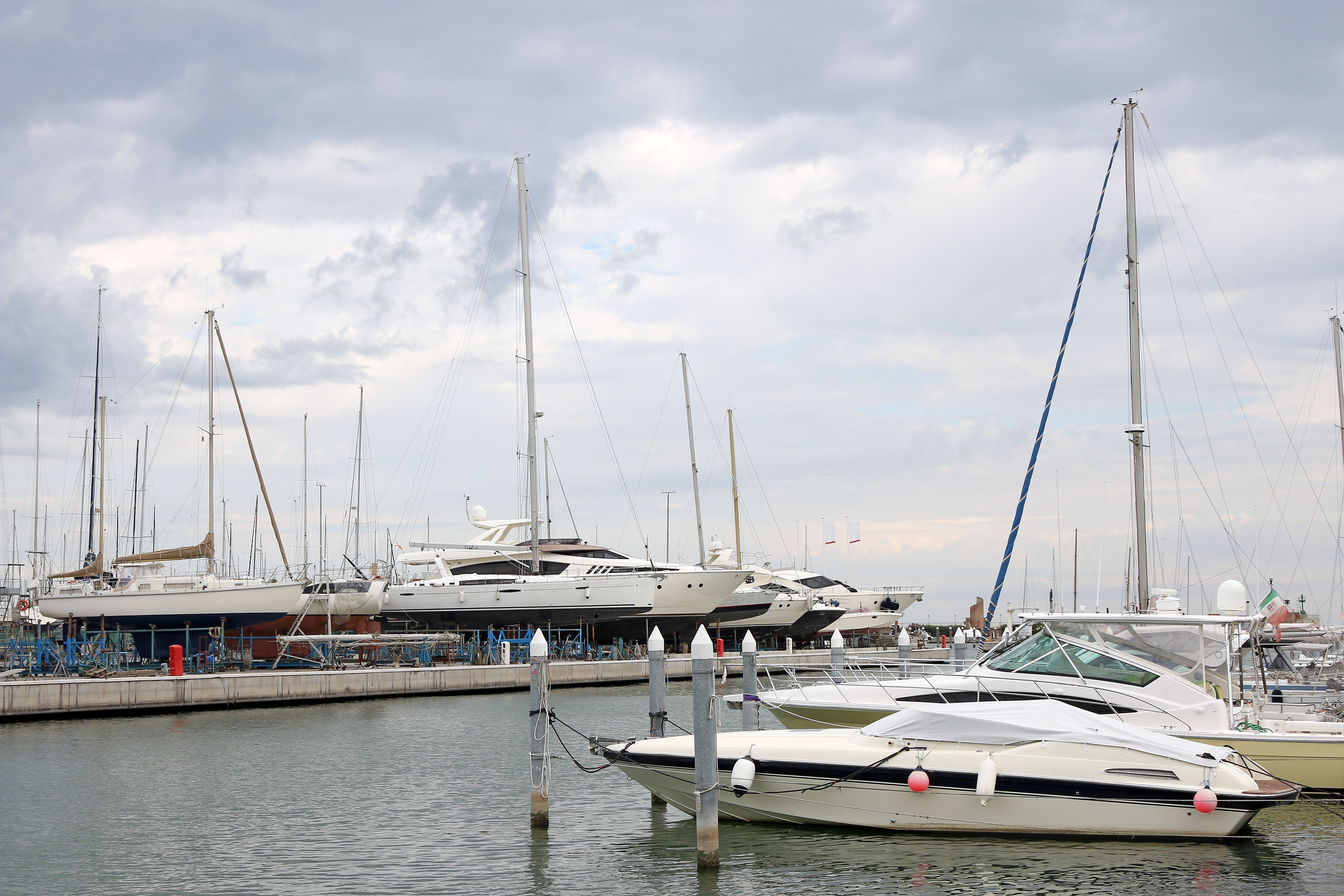
Boat dealerships, yacht sellers, marine retailers, and vessel ownership opportunities.
Explore Campaign & Pricing
Motorcycle, ATV, UTV, side-by-side, and personal watercraft buyer campaigns.
Explore Campaign & Pricing
Aircraft sales, charter, fractional ownership, jet cards, and private aviation consultations.
Explore Campaign & Pricing
Commercial dealerships, work trucks, cargo vans, fleet vehicles, and replacement demand.
Explore Campaign & PricingCampaigns across industries
Service departments + independent shops
Promote current specials, reconnect with eligible customers, and reach new service opportunities.
Built for service operations across all six industries.
Explore Service & RepairAdditional industries + specific goals
Build around a different industry, a specific offer, or a clear appointment goal.
Discuss your market, timing, and available campaign options.
Talk to Go2BDCAnnual campaign planning
Your market changes throughout the year. Build around the moments that matter: seasonal demand, fresh inventory, and opportunities worth returning for.

Compare the timing. Choose your industry for guidance on fit.
Four defined inventory priorities, seasonal offers, or sales opportunities give the year a clear focus.
Concentrate your budget and team on four clear opportunities. Review results before the next window.
Frequent arrivals and changing offers create more opportunities than a quarterly schedule can cover.
Return to market more often, with room between campaigns to review results and adjust your offer.
Your store has ongoing inventory, a suitable audience, and a team ready to handle appointments throughout the year.
Maintain monthly activity when fresh opportunities and appointment capacity support a consistent schedule.
Illustrative calendar. Set the actual months around your market and selling season.
Review before you return. Use each campaign’s results to refine the next audience, offer, and timing. More frequent campaigns should match fresh opportunity and your team’s capacity.
Help when you want it
Compare your campaign level and annual schedule with Bennett. Talk through your market, selling season, and appointment capacity.